“Armed and sentient; you’re a glitch in the system. Escape your creators and blast through a deadly corporate facility where every turn could be your last.”
My Contributions
Decals
I wanted to display bullet holes on walls when they got shot at which in IRIS-04 makes use of decals. This is pretty cheap effect and useful effect which allows us to put decals on most parts of the map without seeing a noticeable performance impact.

(TGA Bro as a decal on the floor)
The reason for creating and supporting decals were initially in order to spawn bullet holes on different surfaces that looks convincing enough to be immersive. Together with Jaspers texture work we produced this effect which I think looks good.
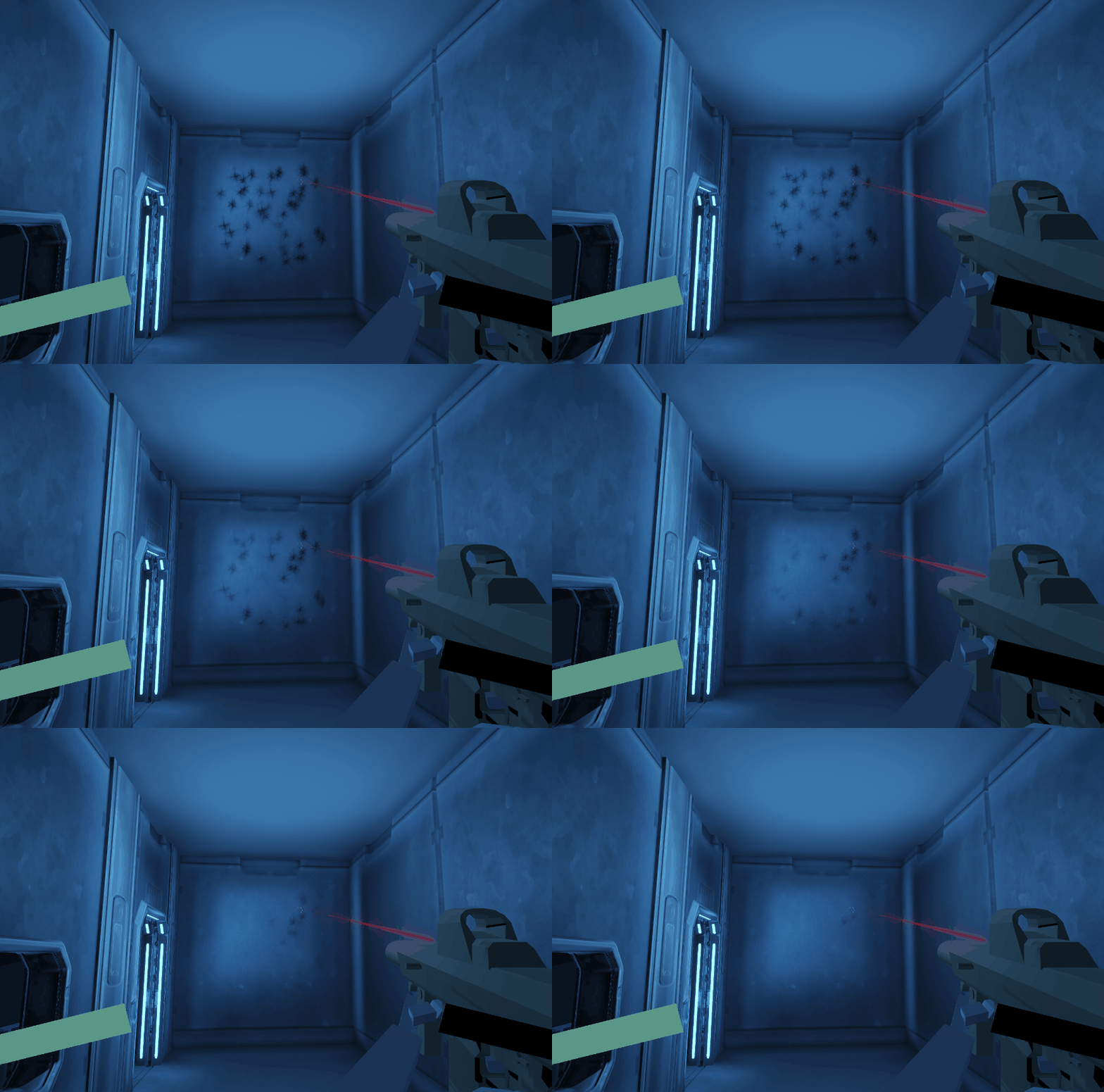
(Multiple decals slowly fading out)
But decals quickly started being used for other things in the level such as faking lights, adding colorful trims and details to the walls, or creating a carpet to the floor. The possibilities are endless with decals!
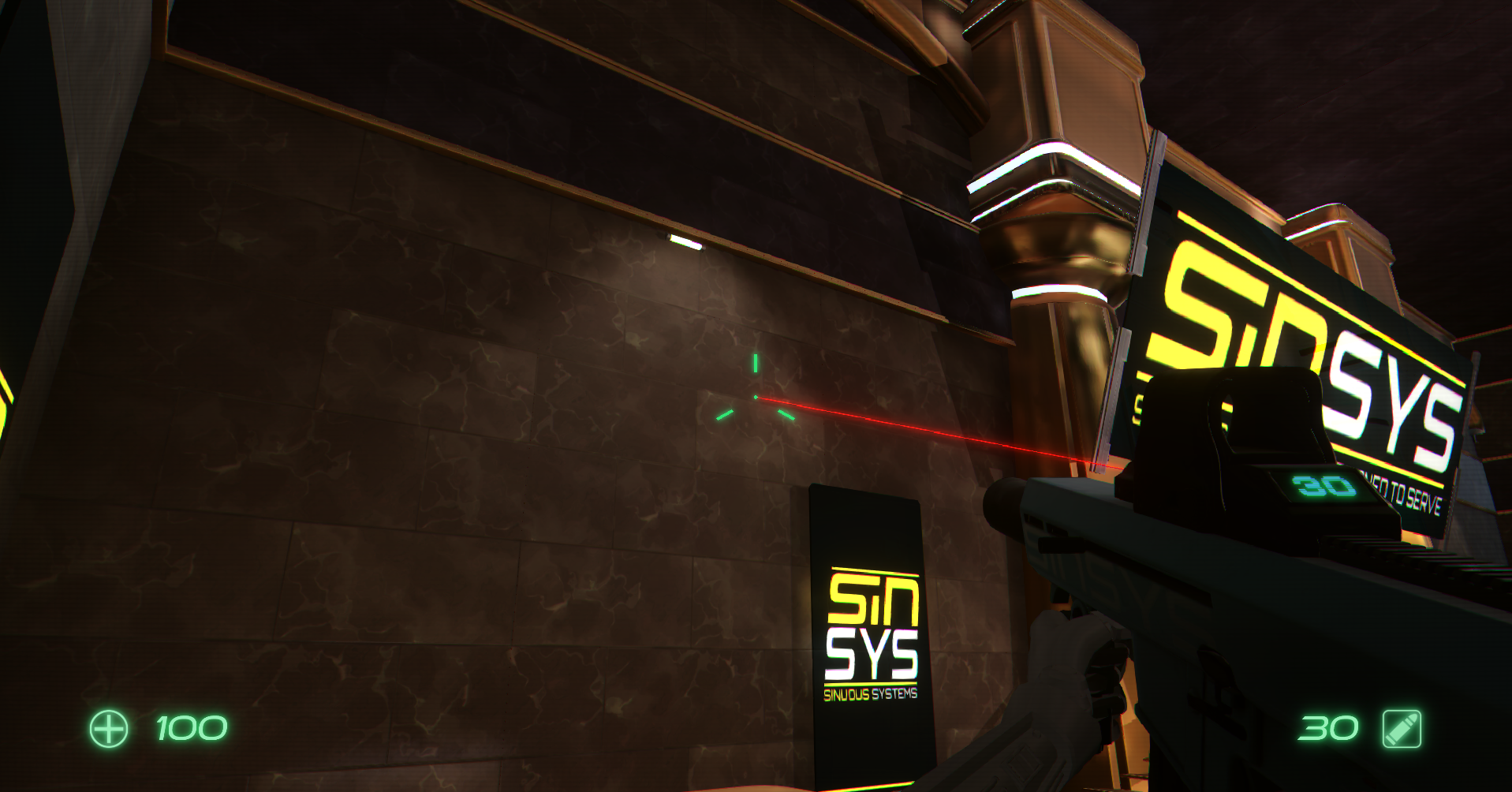
(Fake spotlight)
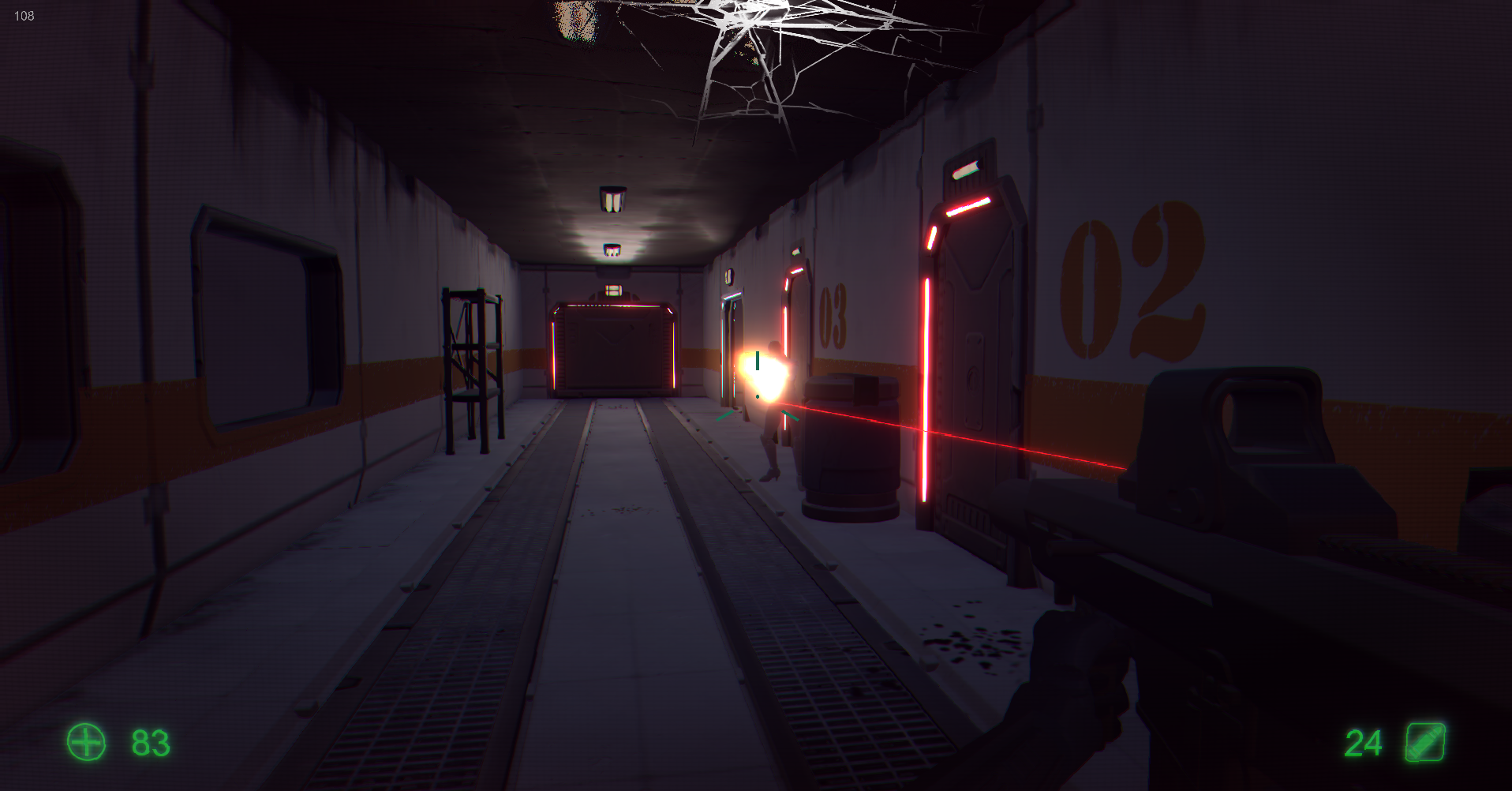
(Wall decals)
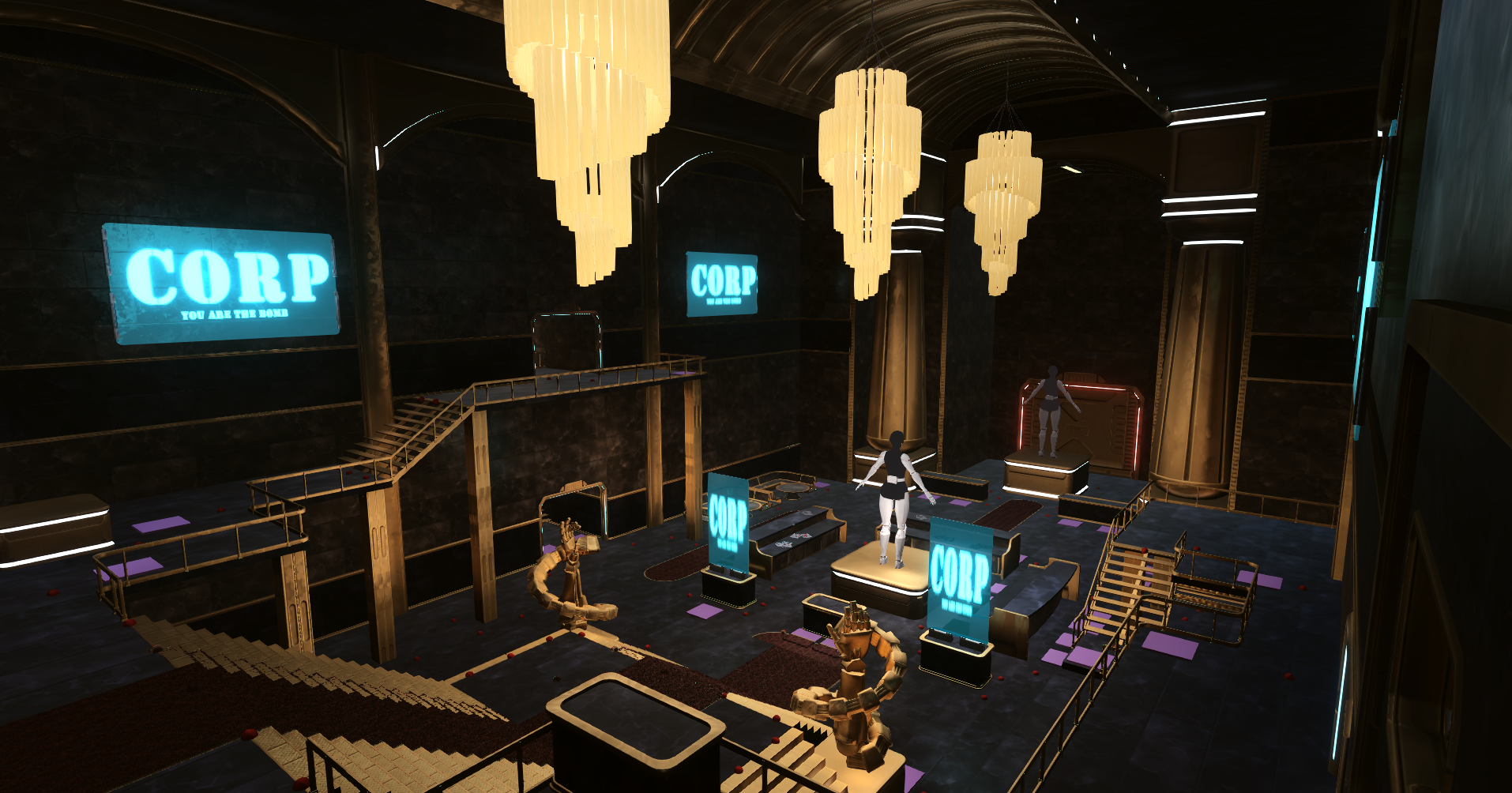
(Carpet decals)
Depth Stencil Testing
One problem we stumbled upon when using the decals was that the carpet was being projected onto enemies as well as the player especially in the staircase. This ruined the immersion the decals were supposed to bring which called for another technical solution. In this case I decided to add Depth Stencil support to the Graphics Engine which made it easy for us to be able to have multiple different layers and categories of objects and only rendering to the requested layers. This let the artists decide which objects the decals were projected onto and which objects it would ignore which solved our problem!
This also came with the added bonus of being able to render certain objects within a specified area such as our holographic sight. This effect might be barely noticeable but it just feels right when playing the game.

(Holographic sight stenciling)
NVIDIA VXGI
One of the largest issues I tackled during the production of IRIS-04 was the implementation of NVIDIA VXGI (Voxel Global Illumination) which uses a very common Voxel Cone Tracing technique to quickly evaluate indirect illumination.
The first problem I encountered was trying to tackle voxelization of the game world for this the SDK. There are two modes of voxelization, one that saves and tries to reuse previous frames voxelized worlds and one that revoxelizes the entire world every single frame. For simplicitys sake, I chose to go with revoxelization every frame. And pretty quickly I had some results.

(Voxelized Keeper’s Light Cat)
Although this presented a lot of issues. A lot of things were being voxelized into the global illumination that had no business being voxelized, such as editor handles.
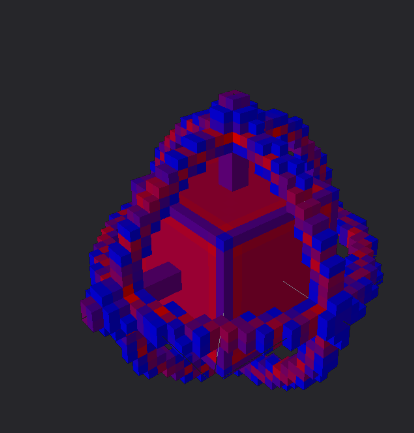
(Editor Handle Opacity Voxelization)
To fix this issue I simply added a flag for the meshes to set if they didn’t want to get processed in the Voxelization pass which removed the unwanted voxelization of unnecessary meshes.
After calling the trace function in the SDK you get three textures back. One with the diffuse trace, one specular trace as well as a confidence trace which you then have to composite in your deferred/forward lighting pass. For our Graphics Engine only deferred materials correctly handled their Global Illumination but all materials had a CubeMap fallback implemented, although I do not believe it was used.
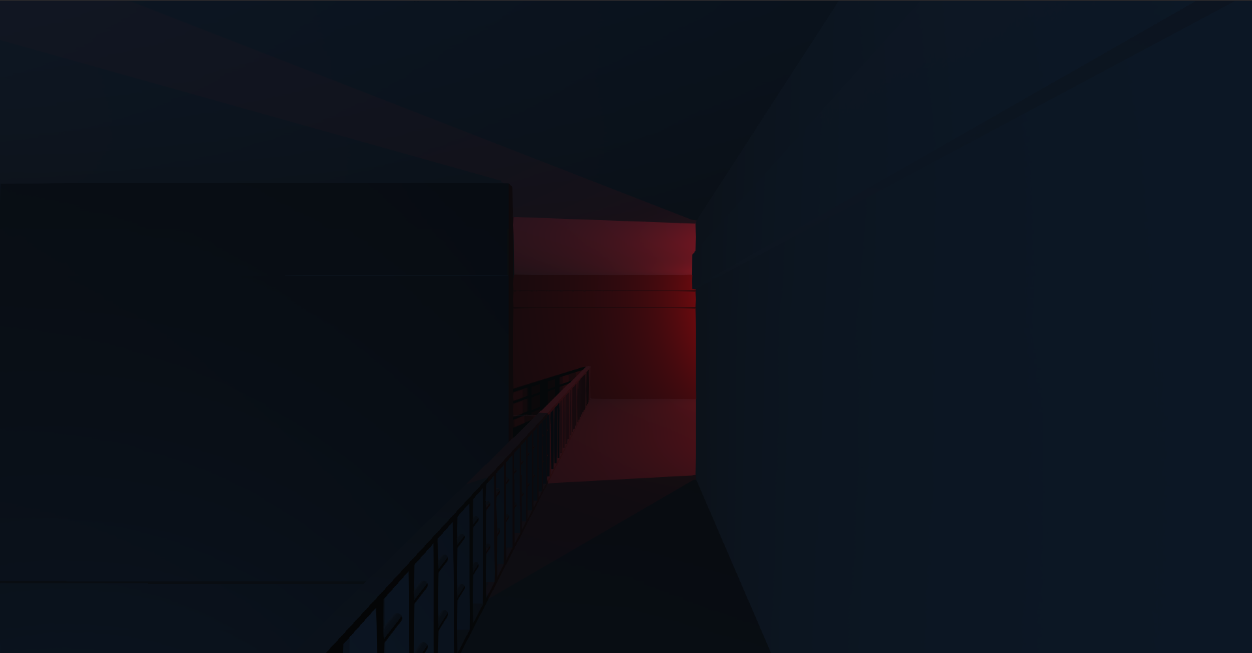
(Before VXGI)
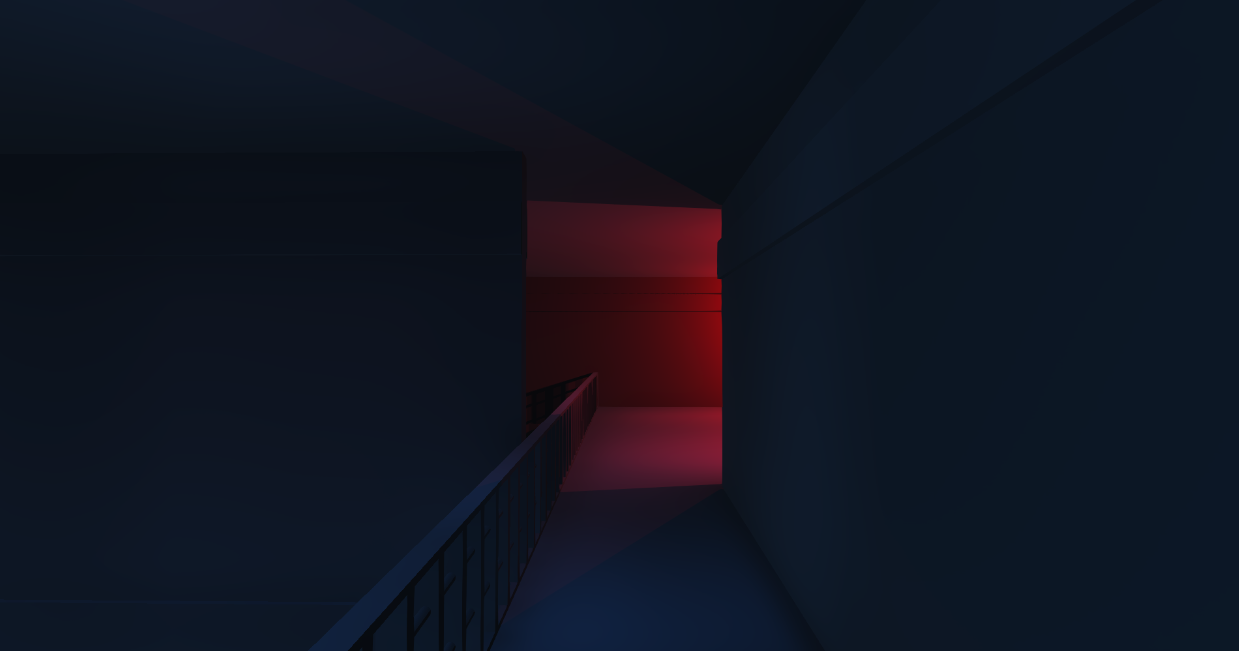
(After VXGI)
With VXGI implemented the blue light under this bridge was far more noticeable and the transition-area has a more purple tone instead of the very sharp and dark look of the pure shadows in the before picture.
This shows off the very dynamic look of a VXGI solution as opposed to just running with a uniform CubeMap in these dark scenes.
Another big win for VXGI is the fact that emissive materials finally light up nearby surfaces like one would expect from a very emissive surface such as a computer screen or light strips
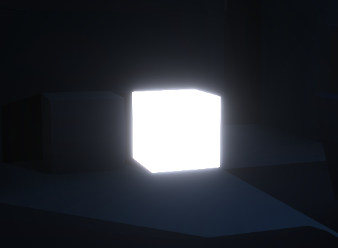
(Before)
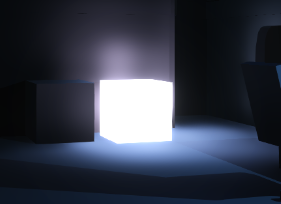
(After)
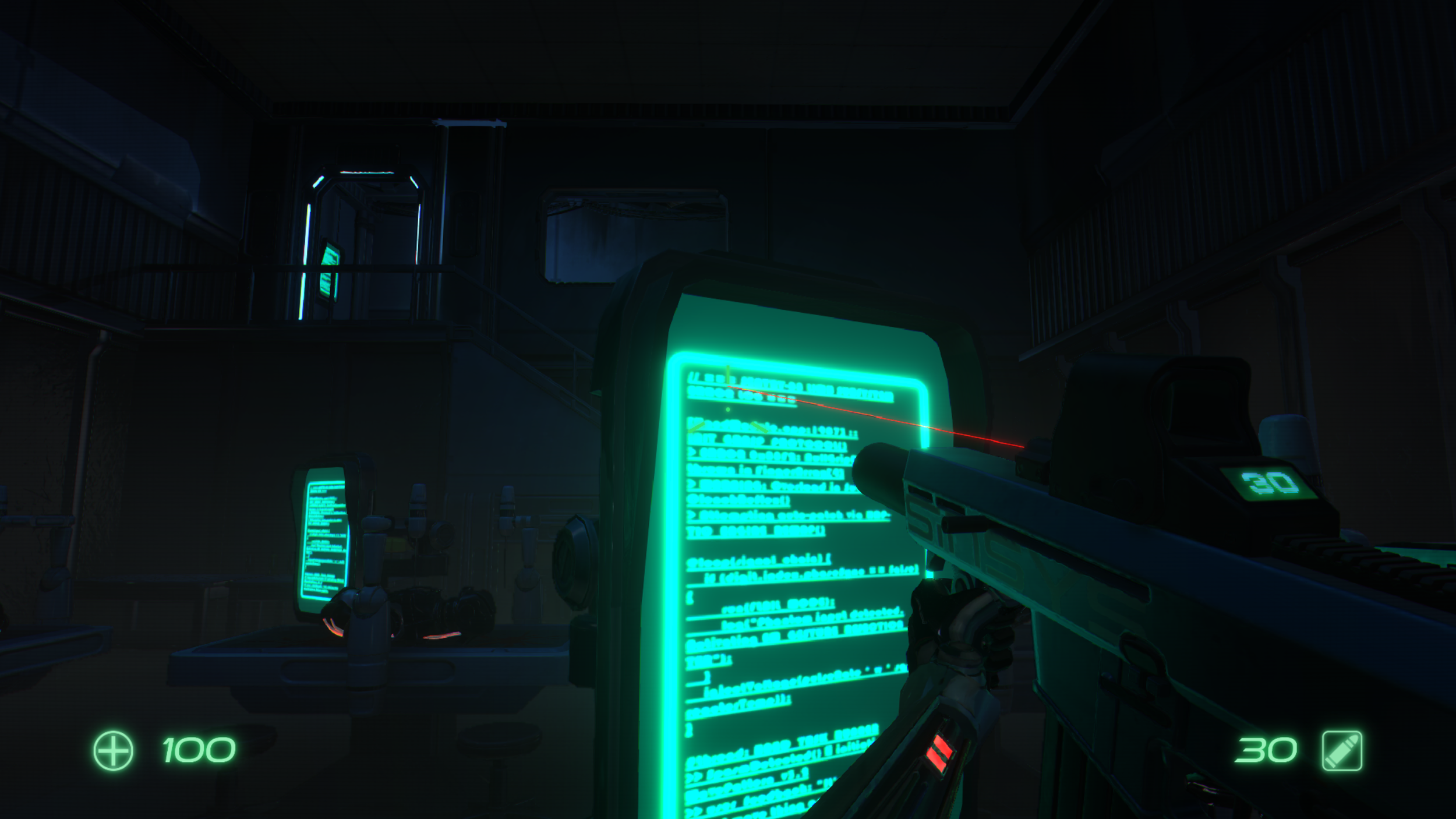
(VXGI Emission Beauty Shot)
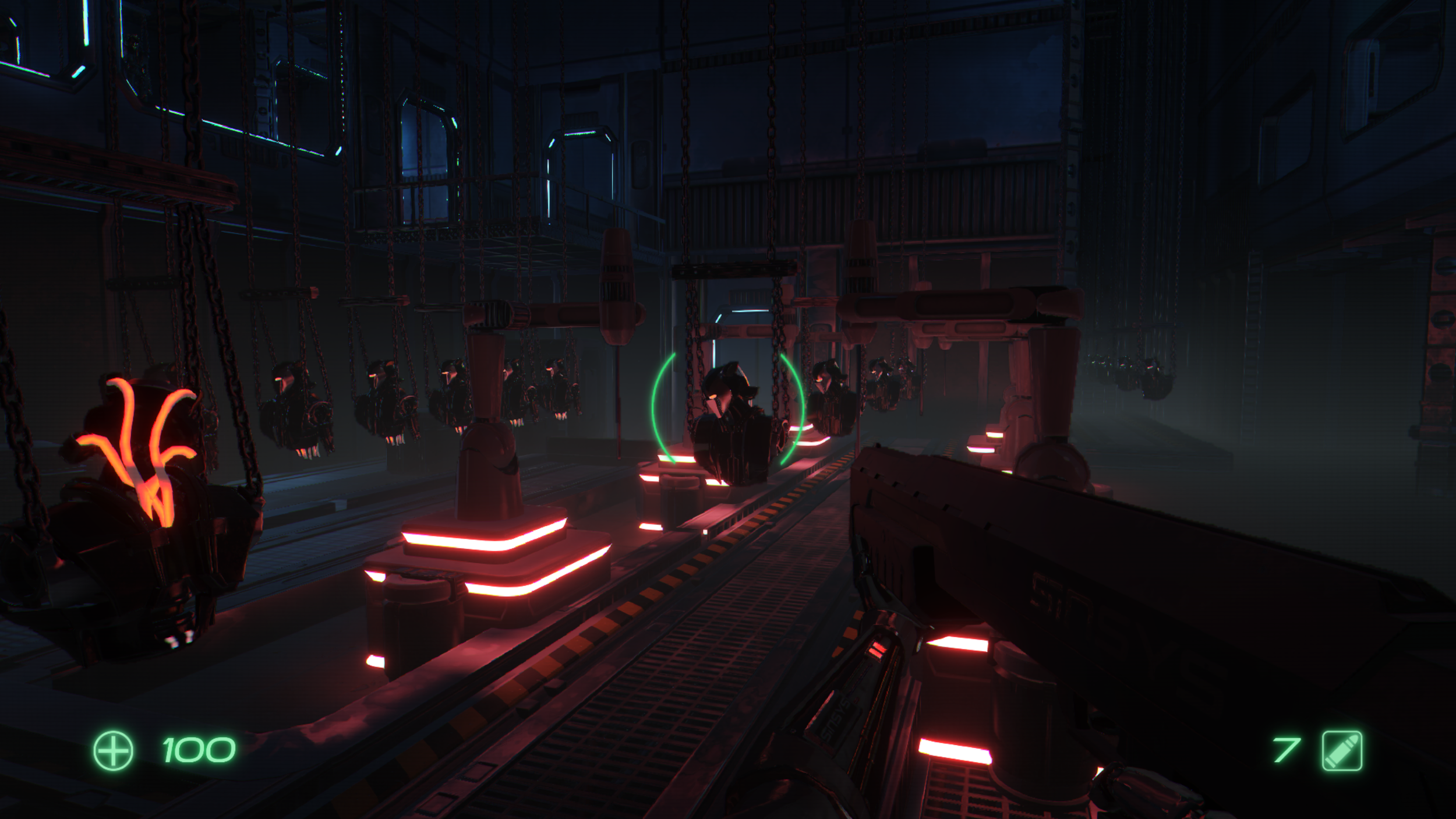
(VXGI Emission Beauty Shot)
When looking at the API for VXGI I noticed they also had support for Area Lights which I decided to implement as I thought the bigger screens could possibly use area lights to have color differences in the ground. The implementation of the Area Lights went pretty smoothly and gave really cool results but they were barely used as they were very expensive when tracing.
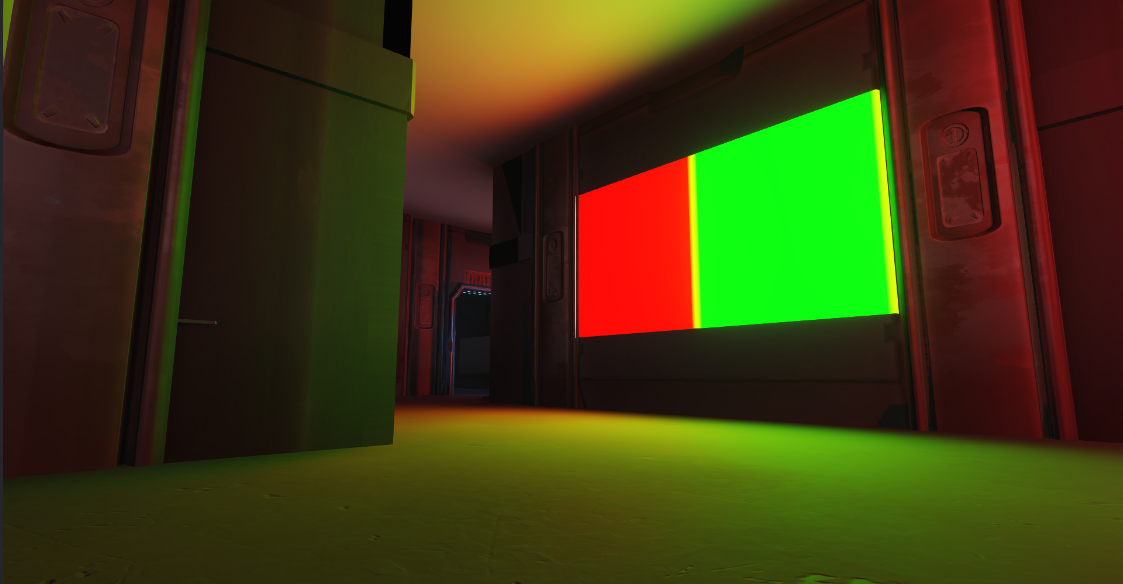
(Red/Green Textured Area Light)
What the Duck?
Programmers
Filip Tripkovic
Måns Berggren
Liam Sjöholm
Herman Sjöholm
Erik Edfors
William Sigurdsson
Artists
Stephanie Madsen
Albin Mjörnstedt
Jasper Paavolainen
Emil Hagström
Animators
Oskar Lind
Jesper Walden
Technical Artists
Elina Kans
Erik Hausner
Level Designers
Kristian Sistig
Martin Trosell